
For small and medium-sized enterprises (SMEs) in Ghana, digital transformation is no longer a future milestone—it is a current reality. From Accra’s financial districts to retail hubs in Kumasi, local businesses rely heavily on cloud accounting, remote collaboration, and digital transactions to operate.
However, as digital dependency increases, so does vulnerability. Cybercriminals are increasingly targeting small businesses, knowing they often lack the enterprise-grade defenses of larger institutions. In this guide, we outline a practical, cost-effective network security blueprint tailored for Ghanaian SMEs.
1. Upgrade the Gateway: Ditch the ISP Modem
Most small offices in Ghana connect to the internet using a standard fiber or LTE modem provided directly by their ISP. While these modems are sufficient for basic connectivity, their built-in security features are inadequate for business environments.
- Deploy a Dedicated Firewall: Secure your network gateway by placing a dedicated firewall or security appliance—such as a FortiGate or a custom pfSense box—between your ISP modem and your internal network switch.
- Intrusion Prevention (IPS): Configure your firewall to run active intrusion prevention services. This blocks unauthorized network scans, brute-force login attempts, and malicious traffic patterns before they cross your network boundary.
- Disable UPnP and Ping Responses: Ensure Universal Plug and Play (UPnP) is disabled on your gateway, and configure the firewall to ignore WAN-side ping requests to make your network less visible to external scanners.
2. Segment Traffic with VLANs
In a default flat network configuration, every device can talk to every other device. If a visitor’s mobile phone connects to your office Wi-Fi and is infected with malware, it can easily scan and infect your accounting database or corporate file servers.
You can prevent this lateral movement by dividing your single physical network into logical Virtual Local Area Networks (VLANs):
| VLAN Name | Target Devices | Access Rules |
|---|---|---|
| VLAN 10: Corporate | Office PCs, staff laptops, local domain controllers | Full access to internal servers, internet access. |
| VLAN 20: ERP & Finance | Core accounting servers, billing systems, HR databases | Strictly restricted; accessible only from authorized staff IPs. |
| VLAN 30: Guest Wi-Fi | Client devices, visitor mobile phones, contractor laptops | Internet access only. Complete isolation from all corporate VLANs. |
| VLAN 40: IoT & Office | IP security cameras, printers, biometric attendance clocks | Internet access blocked or heavily restricted; no access to staff PCs. |
3. Power Stability and Physical Security
You cannot separate cybersecurity from physical site security and infrastructure resilience. In Ghana, power fluctuations, brownouts, and grid surges can damage network security hardware or cause unexpected system restarts that leave files corrupted.
- Active Power Protection: Ensure all critical switches, servers, and firewalls are connected to a double-conversion Uninterruptible Power Supply (UPS). A UPS conditions the incoming electrical current, absorbing spikes and keeping security devices active during sudden blackouts.
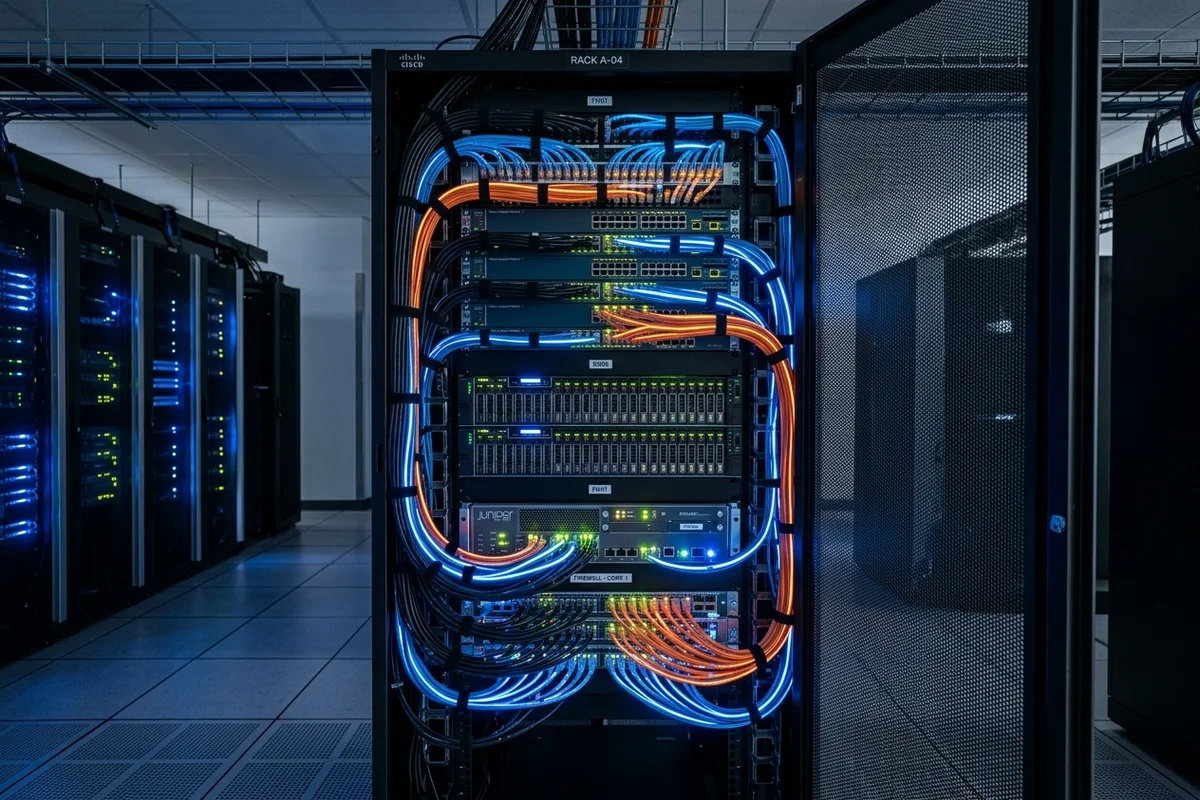
- Physical Lockdown: Keep your core network rack, switches, and servers locked inside a dedicated, ventilated closet. A rogue USB device plugged directly into a server or physical switch bypasses all digital firewalls.
4. Secure Remote Access for Kumasi, Accra, and Beyond
With the rise of hybrid work, employees frequently access office resources from home or while traveling. Opening raw remote access ports—such as Remote Desktop Protocol (RDP) or Server Message Block (SMB)—directly to the public internet is one of the most common causes of ransomware attacks.
- Enforce VPN Tunnels: Require all remote workers to connect via a secure Virtual Private Network (VPN) tunnel utilizing WireGuard or OpenVPN to access local office servers.
- Mandate Multi-Factor Authentication (MFA): Implement MFA across all user logins, particularly for cloud portals like Microsoft 365. This ensures that even if a worker’s credentials are leaked, unauthorized access is blocked.
5. Regulatory Compliance and the Data Protection Act
Network security is not just an operational necessity; it is a legal requirement. In Ghana, businesses collecting and processing personal customer data must register with the Data Protection Commission (DPC) under the Data Protection Act, 2012 (Act 843).
To satisfy DPC audits and comply with local regulations, small business networks must demonstrate:
- Data Encryption: Encrypt sensitive database files at rest and secure all web traffic using SSL/TLS HTTPS certificates in transit.
- Audit Logs: Retain administrative access logs on firewalls and domain controllers to track who logged in, when, and from what IP address.
- Endpoint Protection: Deploy active, centrally managed endpoint detection and response (EDR) agents—such as ESET Endpoint Security—on all corporate devices to block malware and prevent data leakage.
Conclusion
Securing a small business network in Ghana does not require an enterprise budget, but it does require a structured, proactive approach. By upgrading your gateway, segregating internal traffic, protecting physical systems from power surges, and securing remote endpoints, you establish a solid foundation that protects your company assets and keeps you compliant with national regulations.